The weekend planner for Android
A weekend
with a plan.
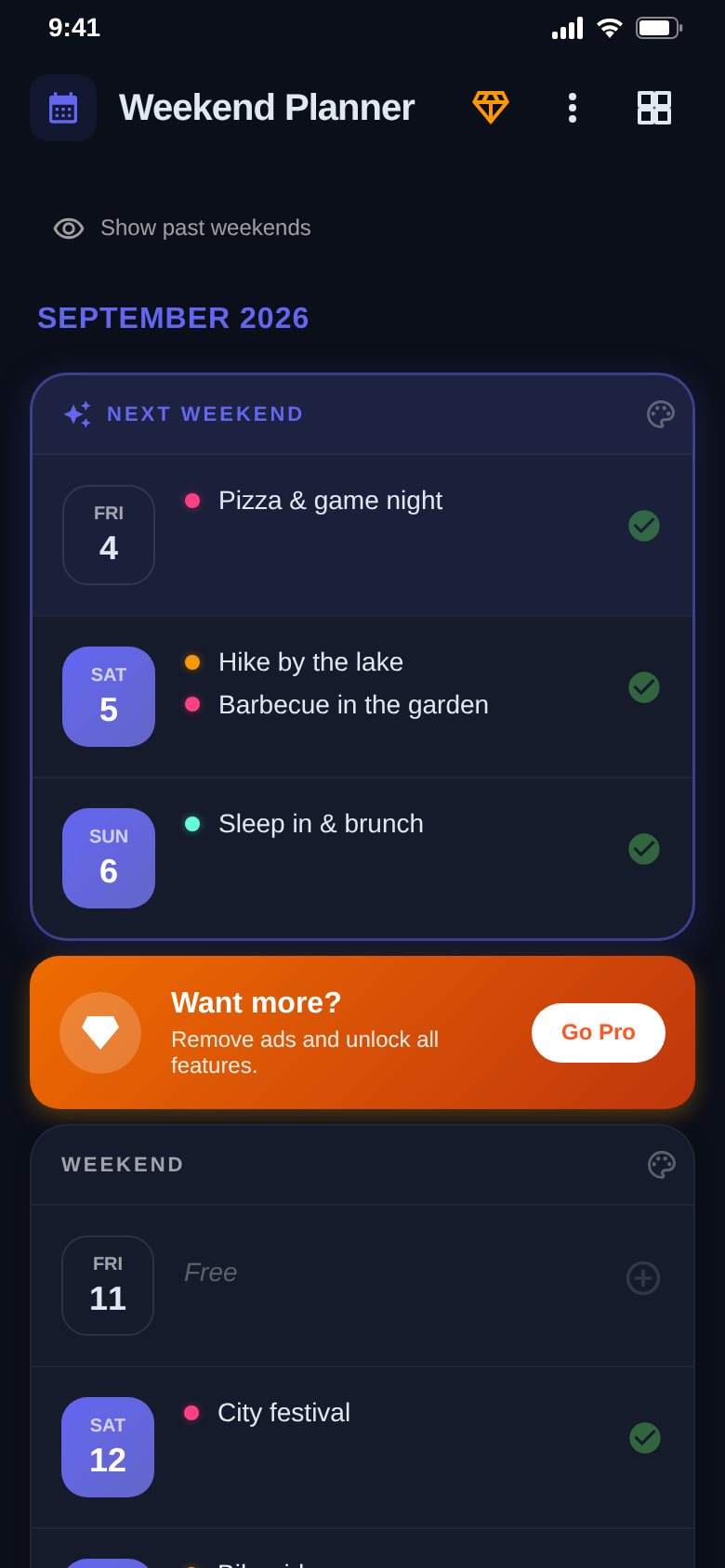
On Monday you remember what you meant to do. Weekend Planner puts every upcoming weekend in front of you — Friday, Saturday and Sunday on one card, with the next one highlighted.


- Free with ads
- No account needed
- English & German
Coming to iPhone soon.
Weekend cards
Every weekend, one list.
Instead of scrolling through a full calendar you see only what matters: your weekends, in order, the next one lifted out.
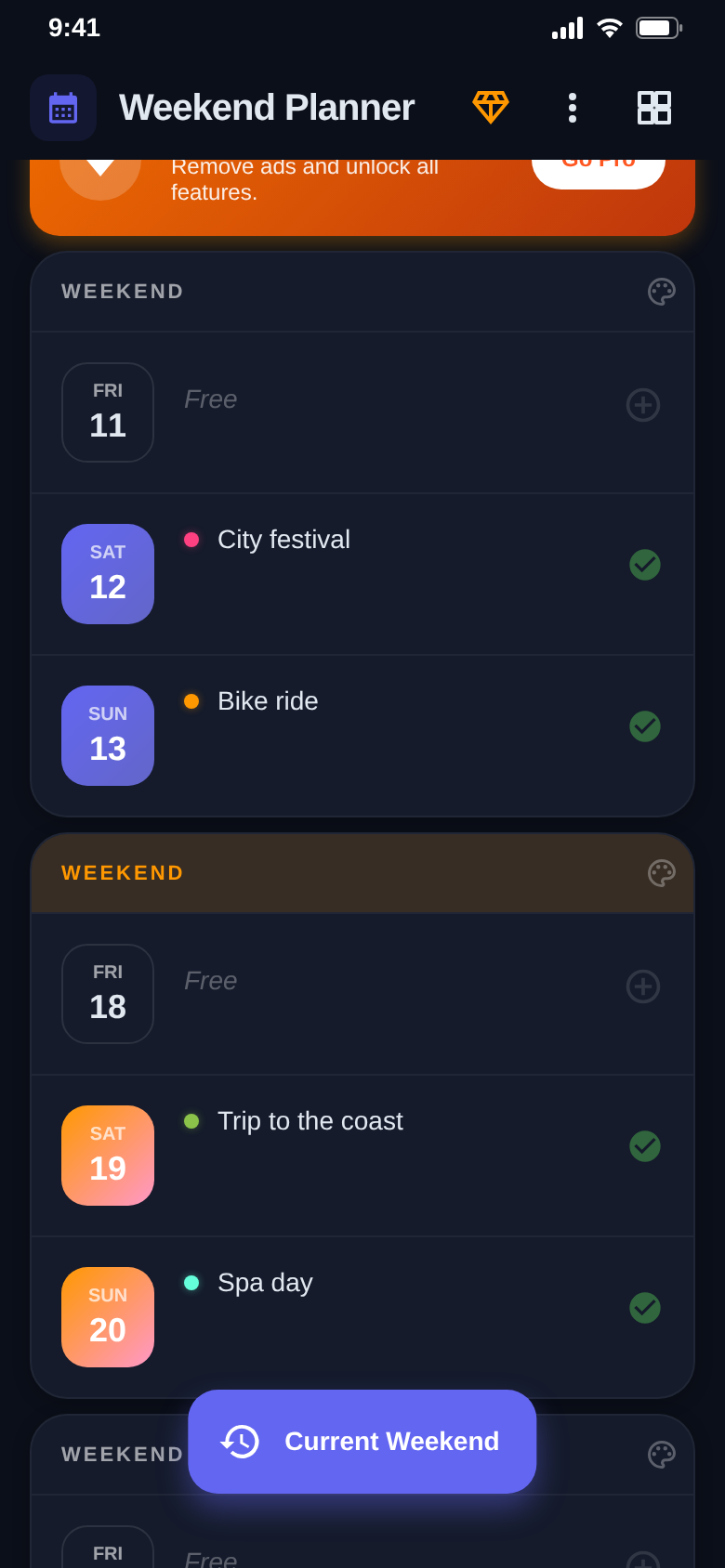
Hide past weekends when they get in the way — one tap jumps you back to the current one.
Plans
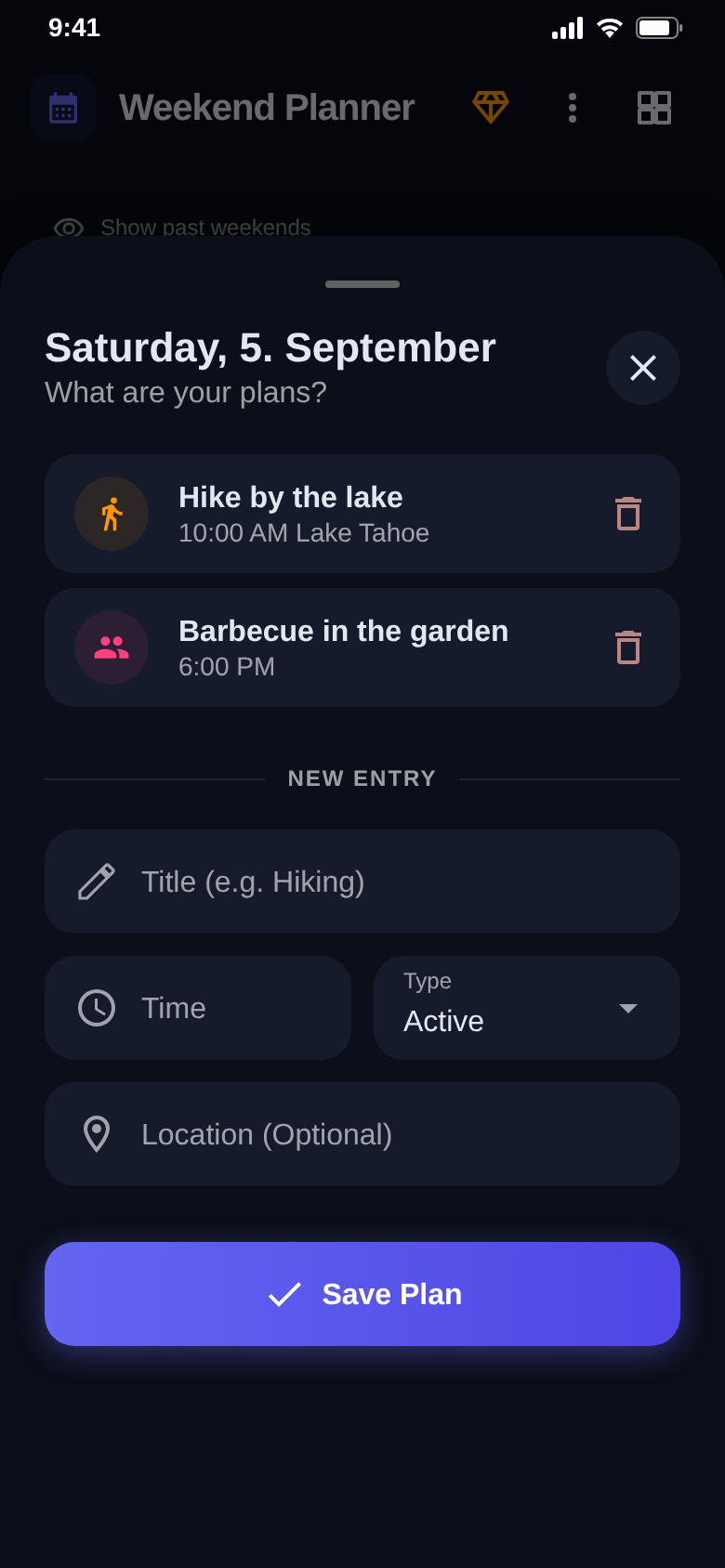
Tap a day. Write it down.
A plan takes a title, a time, a place and a category — that is it. The day sheet shows everything you already have in mind.
Plans changed? Delete the entry with one tap. Everything is saved on your phone right away.
You have ideas.
Not a plan.
Weekend Planner turns the one into the other.
Month view
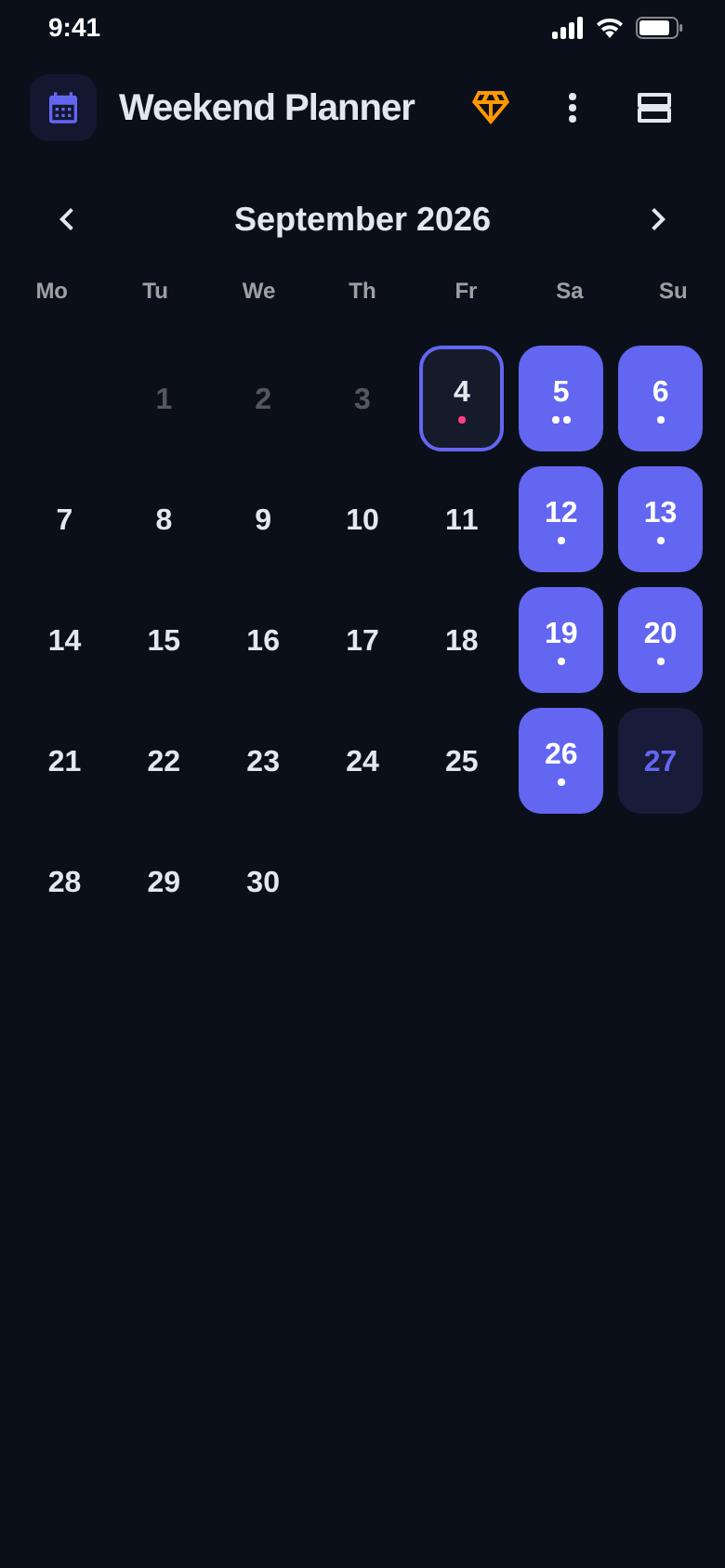
Weekends in the calendar.
Switch to the calendar and every Saturday and Sunday is marked. Dots show which days already carry a plan.
Handy for holidays, long weekends and everything you want to book early.
Colors
Make the big ones stand out.
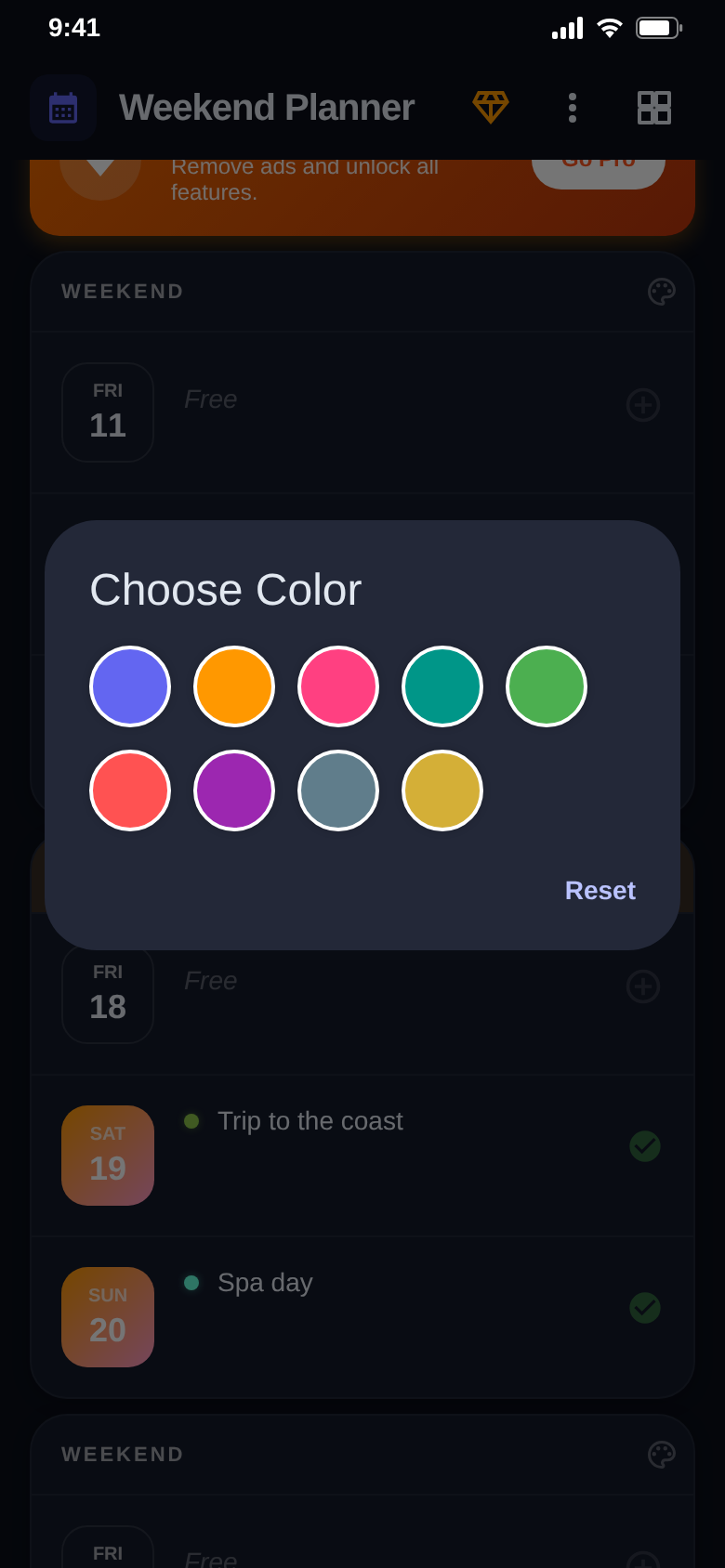
Give a weekend one of nine colors and it reads differently from the rest at a glance — the trip, the wedding, the long weekend.
One tap resets the color again.
The difference
Weekends count again.
- Sunday evening and nothing happenedEvery upcoming weekend ready as a card
- Free time buried between work appointmentsFriday, Saturday and Sunday on one card
- "What time was that again, and where?"Plans with time, place and category
- Every entry looks the sameColored dots per category, colored weekends
- Signing up somewhere just to note a planNo account — plans stay on your phone
And a lot more.
Next weekend on top
The nearest weekend is marked, so you always land where planning actually helps.
7 categories
Active, Relax and Social are free. Vacation, Date Night, Trip and Party are premium.
Month calendar
All weekends marked, dots on the days that already have something planned.
Past weekends
Show or hide them, and jump back to the current weekend with one tap.
9 weekend colors
Color a weekend to lift it out of the list, and reset it just as quickly.
Pro
Removes the ads, saves without waiting and unlocks all categories for good. Purchases can be restored.
Quick questions.
Who is Weekend Planner for?
What does Weekend Planner cost?
How does Weekend Planner make money?
Do I need an account?
How is it different from a normal calendar?
Which devices are supported?
Which languages does the app speak?
How do I cancel Pro?
Get Weekend Planner.
Open the app, tap a day, write down what you have in mind.
Free for Android.